
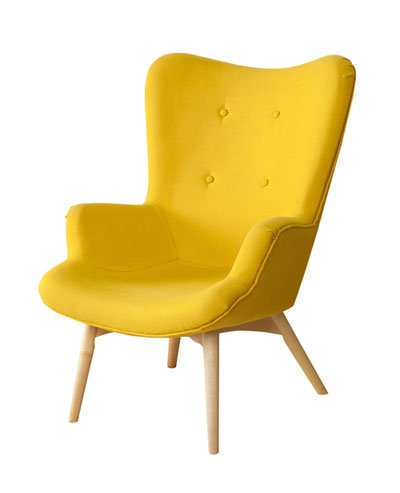
 Before
After
Before
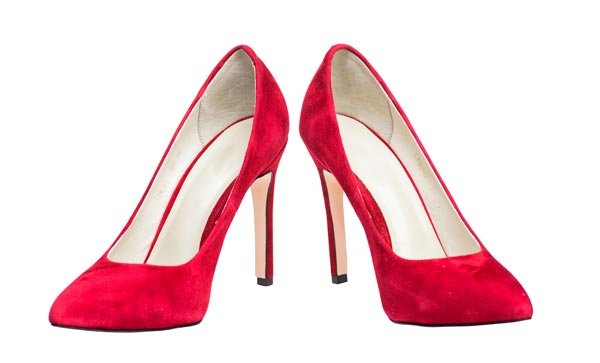
After Online shopping has become the part and parcel of almost every user’s life. While browsing the shopping websites, users get influenced by the quality of images used to describe the product. In the case of shoes, the image quality can either visitor as the customer or he can move to next option. This is precisely where shoes images editing acts as the best way out for the sellers. The shopping websites or companies make sure that image clipping, retouching and other adjustments are carried out.
They believe that with effective presentation of shoes, many people will express their I interest in buying shoes. On the other hand, shoes images for ladies are retouched according to the industry standards. Preferences of users are also kept in mind by the professionals known for their best footwear images editing services.
These services can be availed by the online and offline sellers who want to add impressive pictures of shoes in their portfolio. The variety of shoes and the clipping process required for the same should be cautiously carried out. Therefore, it is essential to rely on the professional shoes images editing services for attracting buyers without a miss.
Whatever your requirements are, contact us today to discuss the changes that you need. We can provide an estimate of price and delivery time as well as discuss proposed changes to the photo. We are available on a 24 hour / 7 day a week basis.
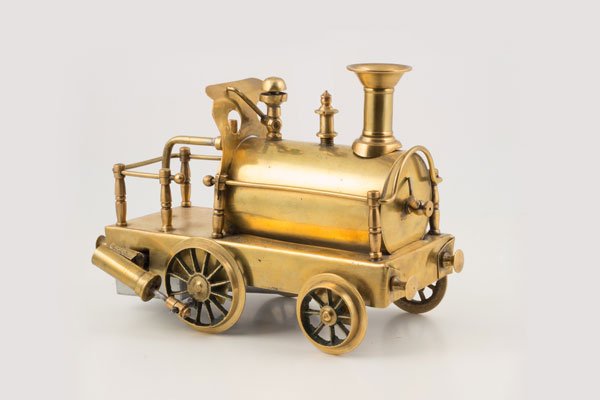 Before
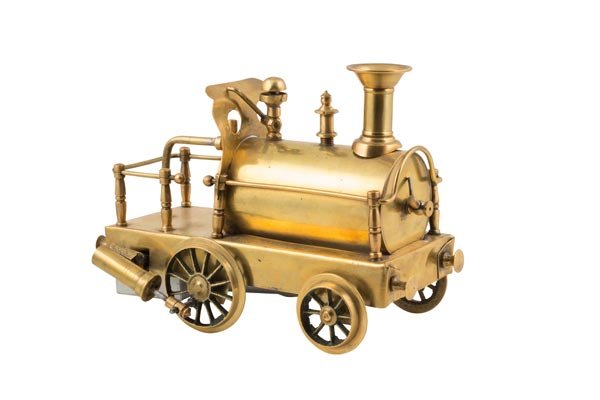 After
After COPY -
COPY -Deep etching in Photoshop can help to prepare brochures with various designs. By using the clipping path tool in Photoshop you can take any image and use it for making your catalogue. In order to deep etch an image you have got to create a path around the image and then turn it into a clipping path or in other words deep etch the image.
To create a clipping path in Photoshop you need to select an image, once you have it opened make use of the pen tool. |
|
Make sure to select the paths icon from the pen tool’s menu. Now drag your mouse pointer from one edge of the image to the other until you see an image. |
|
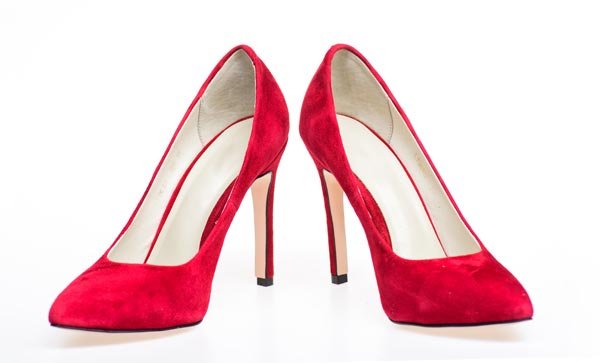 Before
 After
After
Now click on the o image to close the path. Save the path by going to the path pallete and double clicking on the work path icon. The work path will now be renamed as path1. |
|
Once done go to the clipping path menu and select the path you want to be clipped. The dialogue box will ask you to enter the desired path and the flatness. Leave the flatness at zero and enter the path name. |
|
Save the image in PSD format. |
|
 Before
 After
After There are tools available for you to create a clipping path from Photoshop. Each technique or tool is used differently and results may slightly vary, so it is important to determine the easiest and most rewarding technique that will help you edit a photo to its best. Alas, not all easy techniques are rewarding, but it’s a start if you want to learn how to cut out images using the clipping path technique. There are some things to keep in mind when setting up a clipping path via Photoshop, first is to follow the natural lines of your subject,then create layers that will mask the background successfully and make sure that the objects and layers you add match all the other layers that you want to show.
The clipping path techniques to use will depend on the kind of software you used to compile your photo after masking. However, with the Photoshop, the magic wand is most commonly used tool in identifying the natural lines of an image. It can be used on most types of photographs but is not very easy to use on areas that are quite difficult to outline such as photos with subjects that are placed closely together and those that have plenty of like colors with no pronounced edges. The results might not be as encouraging but with simpler figures, it would suffice. If you encounter a relatively difficult photo or image to outline or cut out, the magic wand can be used to create a gross outline or path and modify it accordingly.
Before
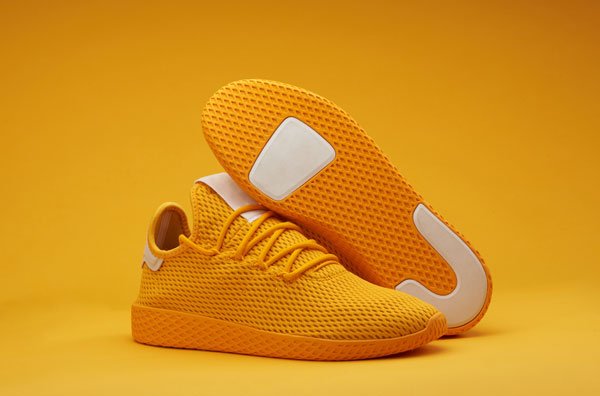
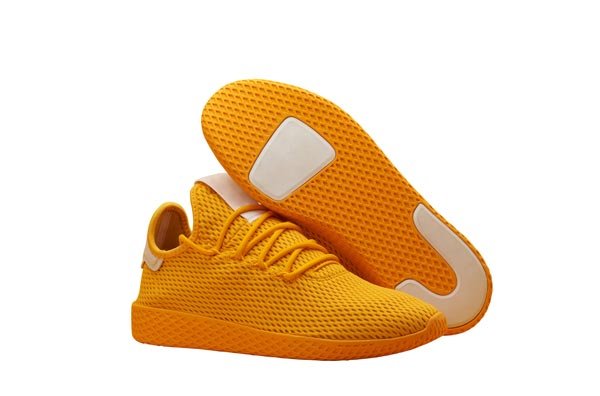
After Organic shapes are generally easier to work with, especially when preparing shoe images, products, or lifestyle visuals for businesses and blogs. To create accurate paths and a clipping mask, select “Make Work Path” and adjust the tolerance level, which determines how precisely the edges of your sneakers, boots, or other accessories are detected. Lower tolerance values produce less precise outlines, while higher values improve edge clarity, details, and overall resolution. Once set, refine the flatness of your clipping path to remove stray pixels around feet, backgrounds, and fine shadows. During this stage, additional adjustments such as cropping, brightness, highlights, shadows, filters, texture, overlay, and vignette can be applied to enhance the overall style and presentation. Repeatedly preview the results to ensure visual consistency before saving the final output.
If you’re still not satisfied and want more control over your clipping paths, manual editing using the Pen Tool offers a superior level of precision—especially important when working with fashion models, varied shoe styles, or complex backgrounds. Begin outlining the image as you would with a magic wand, placing anchor points wherever the direction changes. These anchor points help define sharp edges and subtle curves, ensuring accurate details that meet professional standards across different editing platforms. Use the Convert Point Tool to smooth transitions and buff edges, creating natural blends around shadows and contours. This method significantly improves visual experience for customers, enhances product appeal, and supports better presentation for commercial mode, marketing tips, and catalog-ready imagery—ultimately increasing engagement and conversion numbers.
That timeless practice of cutting out an image from a printed magazine is very similar to what we professionally offer as Clipping Path Services. Our clipping path services are among the most in-demand solutions for businesses dealing with products, shoe images, accessories, sneakers, boots, and various footwear styles. These services require far more precision than scissors and paper, delivering clean backgrounds, improved clarity, enhanced resolution, and visually appealing results that meet customer expectations. The end result is a powerful image suitable for blogs, eCommerce platforms, and marketing use, where details, texture, shadows, and highlights truly matter.
So how is this done? Our experienced graphic designers use professional photo editing software such as Photoshop, applying the Pen Tool to manually trace images from a single starting point all the way around the subject. This method ensures accurate cropping, clean edges, and flawless background removal, even around complex areas like feet, shoe soles, or overlapping accessories. Designers zoom in to pixel-level resolution to eliminate distractions, control shadows, and preserve highlights, ensuring every model and product image looks sharp and polished.
What sets our clipping path services apart is our fully manual tracing process. While others may rely on automatic tools like the Magic Wand, which often miss fine details, our approach delivers unmatched precision, texture preservation, and consistent image clarity—especially important for footwear, fashion, and product-focused businesses.
Need more advanced clipping services? Our Multiple Clipping Path Services are ideal for businesses handling large numbers of shoe images, fashion products, or accessories. This advanced method allows separate selection of different parts of an image, such as shoes, laces, soles, shadows, or backgrounds. It enables customized editing using filters, overlays, brightness adjustments, vignette effects, and colour enhancements—giving customers multiple variations from a single photo.
For example, imagine a model wearing sneakers against one background. With multiple clipping paths, we can adjust shoe style colours, modify shadows and highlights, change backgrounds, enhance texture, or apply creative filters—creating several versions without reshooting. This flexibility saves time, cost, and improves customer experience while increasing the number of usable product images.
Looking for true clipping path experts? Our team brings years of hands-on experience serving global businesses across fashion, footwear, and eCommerce industries. From start to finish, we focus on accuracy, clarity, resolution, and visual consistency. Whether it’s sneakers, boots, or lifestyle shoe images, our experts understand the smallest details that influence customer interest and buying decisions. We meet deadlines, maintain quality, and ensure every project reflects professionalism.
If you are searching for a one-stop clipping path service provider, we are equipped to handle projects of any size or number. From simple background removal to complex multi-layer edits involving shadows, highlights, filters, cropping, and overlays, we deliver reliable results for blogs, online stores, and marketing campaigns. Our streamlined workflow, attention to detail, and customer-focused approach make us a trusted partner for businesses aiming to present their products at their absolute best.
Do you have images with colour issues, dull brightness, poor clarity, or distracting elements? Our professional colour correction services enhance resolution, balance shadows and highlights, improve texture, and refine overall image appearance. Sometimes a small brightness adjustment is enough; other times, multiple areas require individual attention. Our experienced team identifies exactly what your image needs and applies the right filters, overlays, or vignette effects to achieve visually striking results.
No matter the image type—shoe images, product photos, accessories, or lifestyle shots—we create the perfect balance to elevate your visuals. Share your requirements with us, and let our expertise turn your images into high-quality assets that attract customers and drive results.
Photo retouching is the process in which an image is enhanced to its fullest potential by removing unwanted artifacts and assisting with lighting, touch up, and overall photo tone, appearance and quality. Our team of artist are familiar with a variety of photo retouching techniques enabling us to provide a wide range of product outcomes for a wide range of photo retouching needs.
So what does color correction services include? The color correction services we provide can include (but not limited to): color adjustments, exposure adjustments, color addition, color removal, highlighting, contrast adjustments, saturation enhancements, vibrancy, sharpness enhancement, multiple color to black and white, and even black and white into color! These are just a few of the many color correction enhancements we can take care of.
Cost: Our deep etch cost starting from US$0.25 per image. |
|
Flexible: We are available 24/7 throughout the year. |
|
 Before
 After
After